
How (and Why) to Stop Users from Selecting Text on Your Website
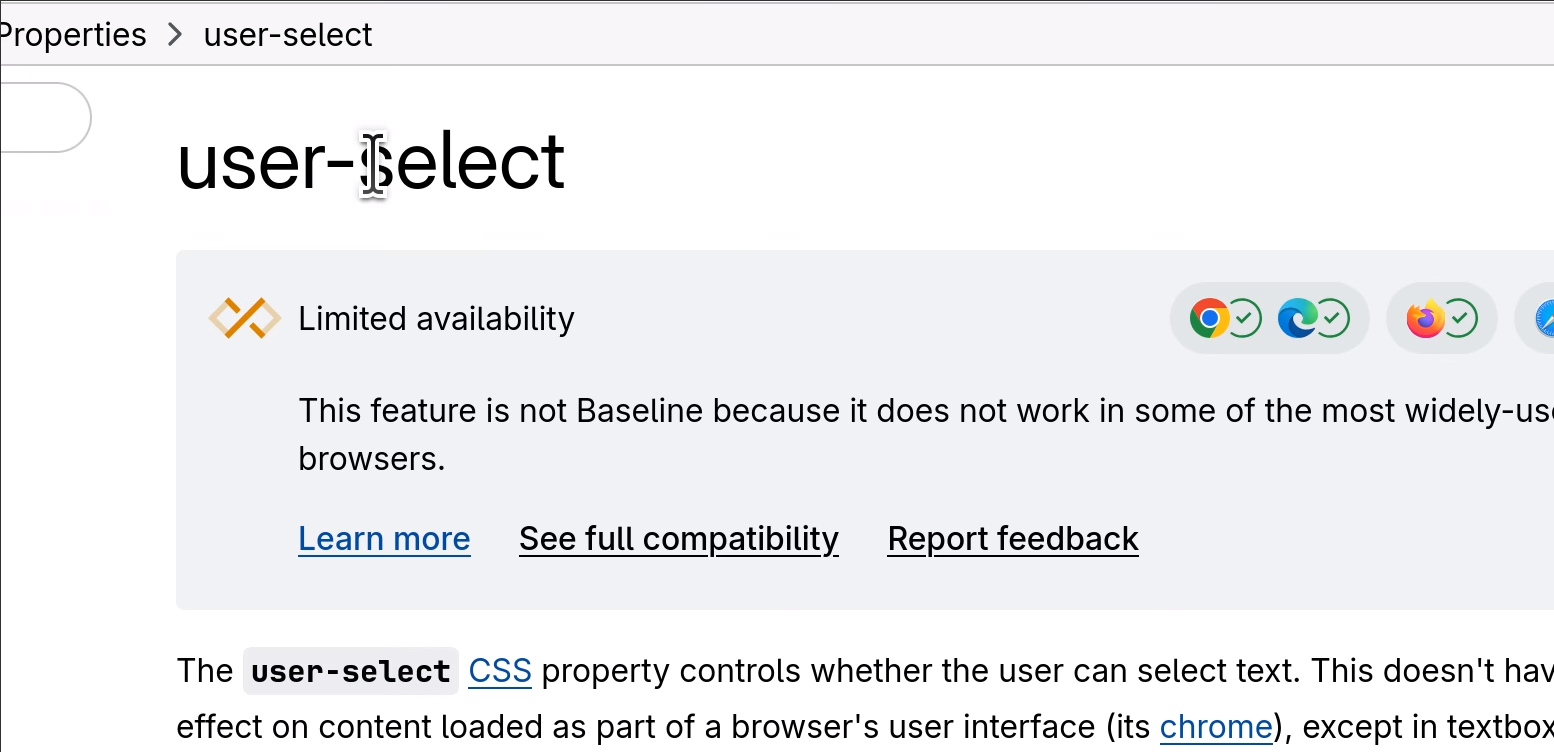
I recently needed to prevent a page from having selectable text. I remember in the “old days” of the Internet there were all sorts of elaborate, mostly Javascript-based workarounds, that would block people from highlighting text. Today, it’s much easier, with the CSS property user-select:none. This was apparently (according to this StackOverflow answer) in the CSS3 spec, then removed from a later spec, then put back in to the current spec, and is now supported by all major browsers except Safari.
Here’s a demo, courtesy of MDN:
.unselectable {
  user-select: none;
}

.all {
  user-select: all;
}
<p>You should be able to select this text.</p>
<p class="unselectable">Hey, you can't select this text!</p>
<p class="all">Clicking once will select all of this text.</p>
And here’s how it looks:
You should be able to select this text.
Hey, you can't select this text!
Clicking once will select all of this text.
Obvious caveat: If you are using this to “stop people from copying the content on this page,” don’t. That is not how the Internet works. That’s not how any of this works. Stop doing this.
Here are some examples, courtesy of CSS-Tricks, where it might be OK to disable text selection, although as I just said, I disagree about paywalled content theft, simply because this just does not work as a security measure.
For my part, I’m designing a web app that will run in kiosk mode on a touch screen, and without the user-select:none specifier, a user could accidentally drag on the screen, inadvertently highlighting text. I also am intrigued by the idea of using user-select:none to remove asides and other non-text content (such as code line numbers–ooh) although it’s probably overkill for most uses. Anyway, I’m glad to have a new tool in my CSS toolbox!