Projects


-
Customizing the Command Line for Lazy People
The shell is personal. Why not make it customized to your every whim?
Actually, there are decent reasons not to go crazy customizing things – mainly, the logic goes, if you get too invested in having things a certain way that are ‘not normal’, then when you have to ssh into a remote computer, or god forbid, use someone else’s computer, you get hung up. I get it, but also: 95% of the time I’m using my own computer. I want it to be the way I want it.
Things that I have customized that may be of interest:
- colors
- the default prompt
- the default shell (I love fish, but it isn’t for everyone)
- the default text editor
Colors
You can go pretty crazy with this. Most terminals let you specify the colors in preferences. I don’t usually mess around with this but you can. What I do like, however, is setting colors for
ls- it helps differentiate between types of files. You can set these manually (cheatsheet here) or use a tool like lscolors, which works on Mac and Linux. I recommend the latter.The default prompt
At the very least you probably want to show your current git branch, which you can do with this arcane command in your config file:
export PS1='[\u@\h \W$(__git_ps1 " (%s)")]\$Or, I have recently learned, https://bash-prompt-generator.org/ will let you customize to your heart’s content. Probably not everything in here will work for every shell but there doesn’t appear to be anything too crazy in here, it should work for at least bash and zsh.
The default shell
Macs come pre-installed these days with
zsh, and many people recommend Ohmyzsh to make it work the way it “should”. Windows machines have Powershell. Linux users…get whatever they get? (I have bash, which is just fine with me).This is an unpopular opinion, but having now been using
fishon my work machine for the past six months, it really is everything a terminal should be.1 The way it shares history across all open windows, the intelligent tab completion, and the way it handles multiline commands are *chefs kiss. If you have never tried a shell other than the one that came bundled with your machine, give a couple others a shot!The default text editor
Look, I will only use vim if forced. (Once you try it, you can’t quit–literally!) If you’re better than me, great, keep using vim. But as this Stackexchange post points out, “I think there are two reasons it’s easy to forget how to exit Vim: developers are often dropped into Vim from a git command or another situation where they didn’t expect to be, and they run into it infrequently enough to forget how they solved it last time.” If you are tired of being “dropped into Vim” you can make it never happen again with:
export EDITOR=nanoin your config file.
Look, I fully admit nano is not a fully featured editor, but when 90% of what I use it for is editing git commit messages and the other 10% is for editing config files, it does the trick, and I never have to remember
:wq.-
except POSIX compliant, which will be a deal-breaker for many. I get it. It’s a sacrifice I’m willing to make. ↩
-
Hidden Export Options in Google Slides
To publish my slides for Reinforcement Learning for the Math-Phobic I had to do a lot of manual work. I cropped screenshots of the slides (and replaced some text-heavy slides with just text). I turned my speaker notes into complete sentences and interspersed them between the slides. (I was heavily inspired by how Tanya Reilly presents her slides.)
So imagine my surprise when I discovered there’s a hidden feature in Google Slides that can do (some of) this for me!
The menu in Google Slides allows you to choose File->Download->and a variety of formats, including PPTX, PDF, and plain text.
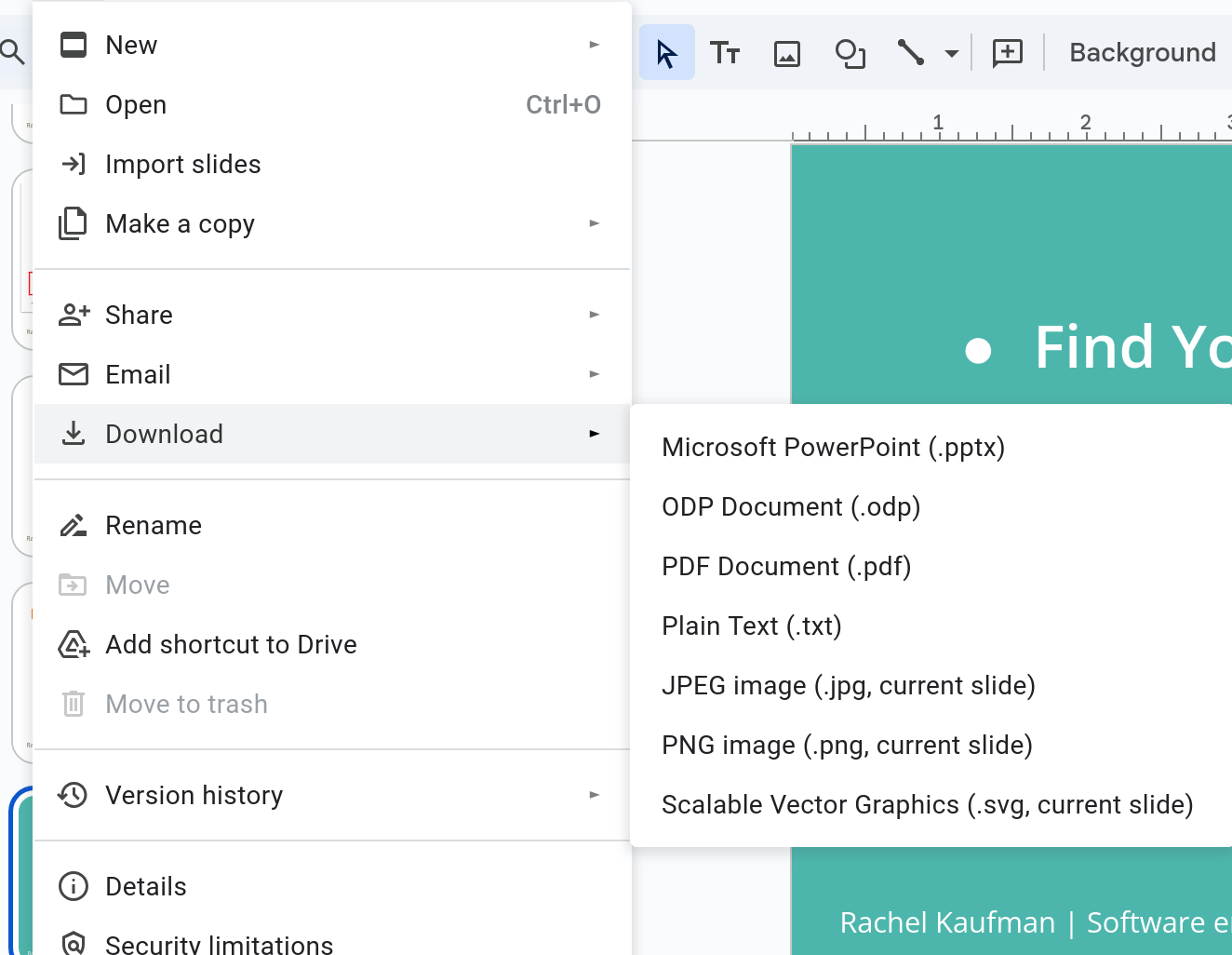
However, if you go to the address bar, there’s one more option.
A GSlides URL looks like this:
https://docs.google.com/presentation/d/{presentation_id}/edit#slide=id.{slide_id}If you turn that URL into:
https://docs.google.com/presentation/d/{presentation_id}/export/htmlthen you get an HTML document that contains the slides and speaker notes on one page.
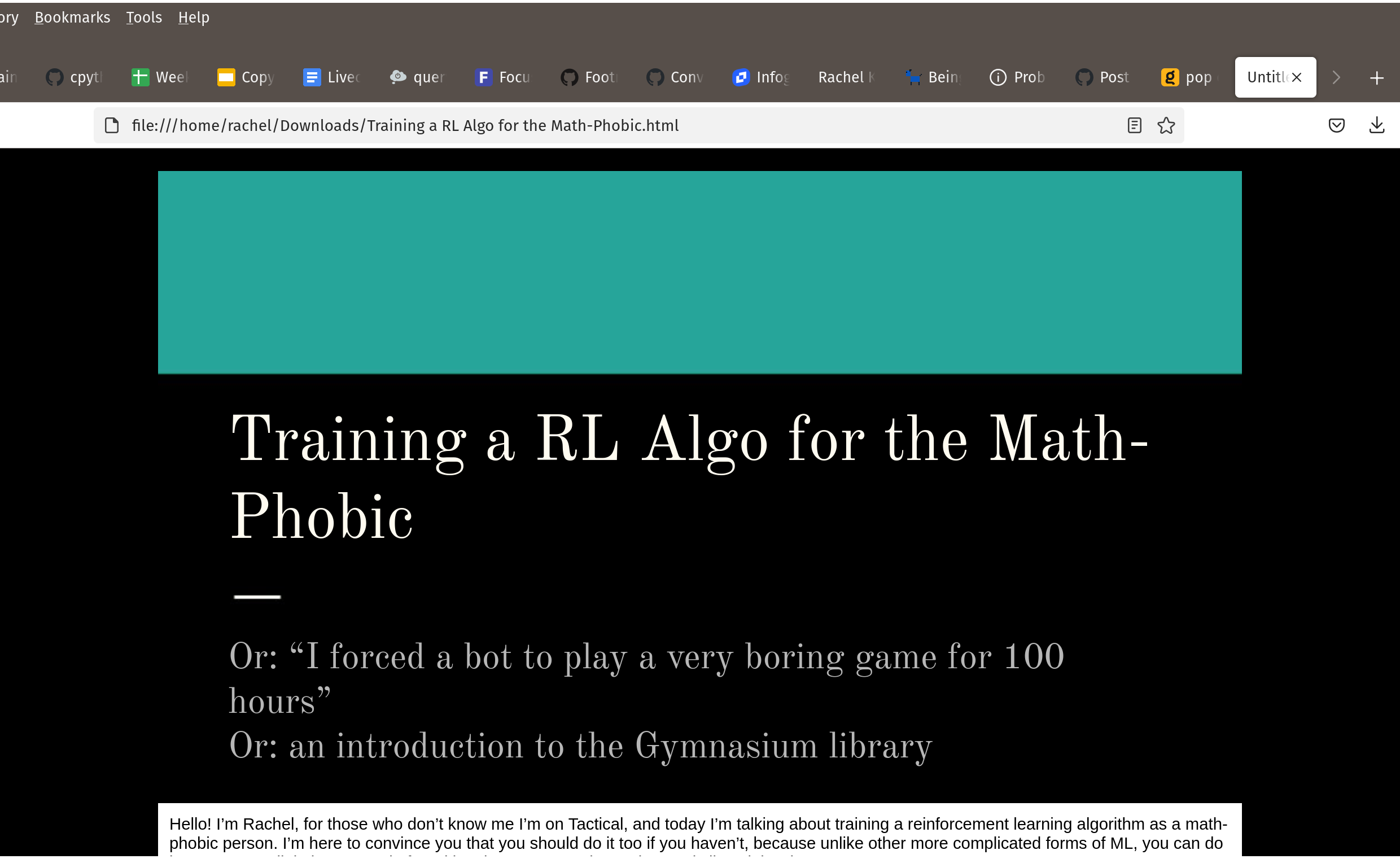
It’s not perfect. The slides are output as HTML instead of images, which as you would expect, does not work well for complicated layouts, some special characters are missing, and slide animations of course are totally gone. But as a starting point, it’s very helpful.
Makes me wonder what other undisclosed options are out there. This Stackexchange post describes a number of hidden commands for Google Docs. Presumably there are a few more for Slides.
And yes, I did try
export/rtfandexport/markdown, with no luck. :) -
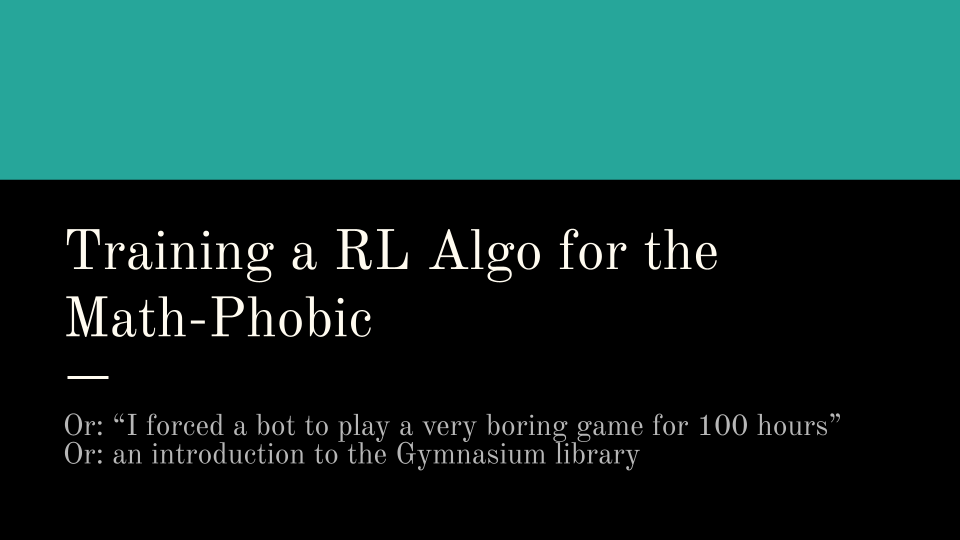
Training a Reinforcement Learning Algo for the Math-Phobic
Below is a copy* of a talk I did at work about the Gymnasium side project. I didn’t talk about Queens at all, because I realized I only had 10 minutes, and teaching people how to play Queens and then explaining how I made a bot do it would take at least twice as long and isn’t relevant. (Also, as I’ll be posting about later, the queensbot is totally borked.) If you read my previous post on queensbot, you’ll see many of the same ideas here, but I think I did a good job of generalizing the content for a different audience, and so you may find this interesting as well.
I enjoyed giving this talk, although I was tweaking the slides up until the last minute, and next time I’ll try to manage my time a bit better/start earlier. That’s the pitfall of having a big event fairly quickly after winter break, and diving straight back into some pretty high-priority coding at the same time.
* It’s not an exact copy. I took out all references to proprietary information, for one, but also I’m working off my speaker notes, not the transcript. Also, I’ve had a few days to digest and have realized there are other, better ways I could have phrased things, so I’ve allowed myself to tweak here and there.
Training an RL algo for the math-phobic
Today I’ll be talking about how I trained a reinforcement learning as a math-phobic person. I used to be quite good at math but now I believe that I should let the computer do the math for me, and if you’re like me, you might also be intimidated by most forms of machine learning. I’m going to try to convince you to give RL a try, because unlike more complicated forms of ML, you can do it right on your laptop, and I found it to be a very good exercise.
But first, this is not what we’re going to be doing today.
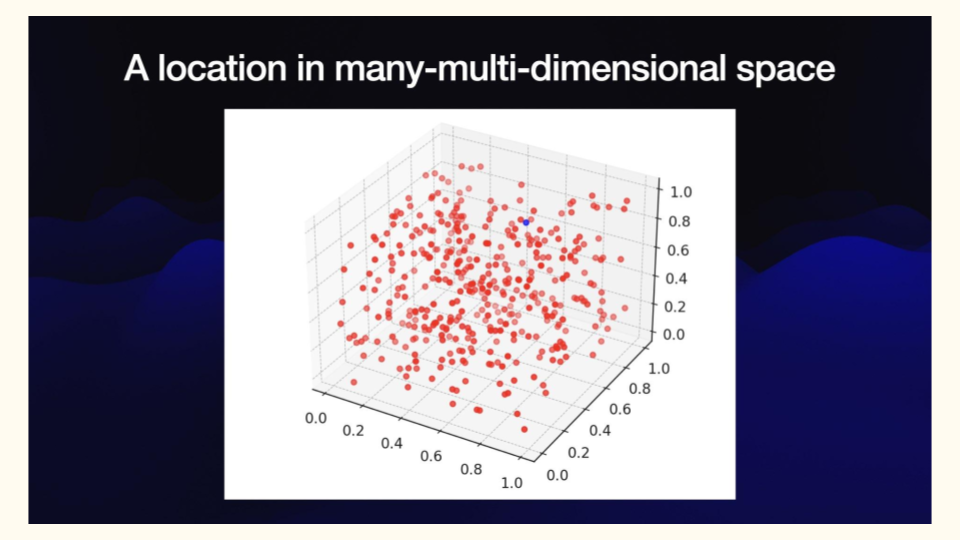
Every time I Google “math behind AI” I get images that look like this, and this just makes me want to never play around with anything. But I swear this is doable, and it can be fun.
Why would I want to do this? For me, I want to be able to speak with some minimal amount of authority on machine learning, so that when my grandma says, “I heard AI is going to take over the universe and break down our component atoms into paperclips,” I can say, “Don’t worry, Grandma, there’s only a 4.5% chance of that happening.”

If you work on an ML team, or did ML in school, this stuff may be self-evident, but for me, there’s a vast gulf between knowing instinctively that “AI is just math” and actually seeing it in action. So I wanted to know more about how we make computers ‘think’, big emphasis on the air quotes, and the best way to do that is to try to do it yourself.
-
See Me at Girl Geek in March!
 Look who that is, right there in the bottom row, third from the right! Oh yes, it’s me!
Goodness gracious, I am thrilled to be speaking at Girl Geek X Elevate this spring. I’ll be giving a 25-minute version of a lightning talk I did based on this blog post. The conference is free and online so do sign up!